The screen before the apps
Apple and Google Wallet passes for business: the loyalty card on the lock screen
 Kiah Thandi SaaimanLast updated20 Oct 2026Wallet Passes5 min read
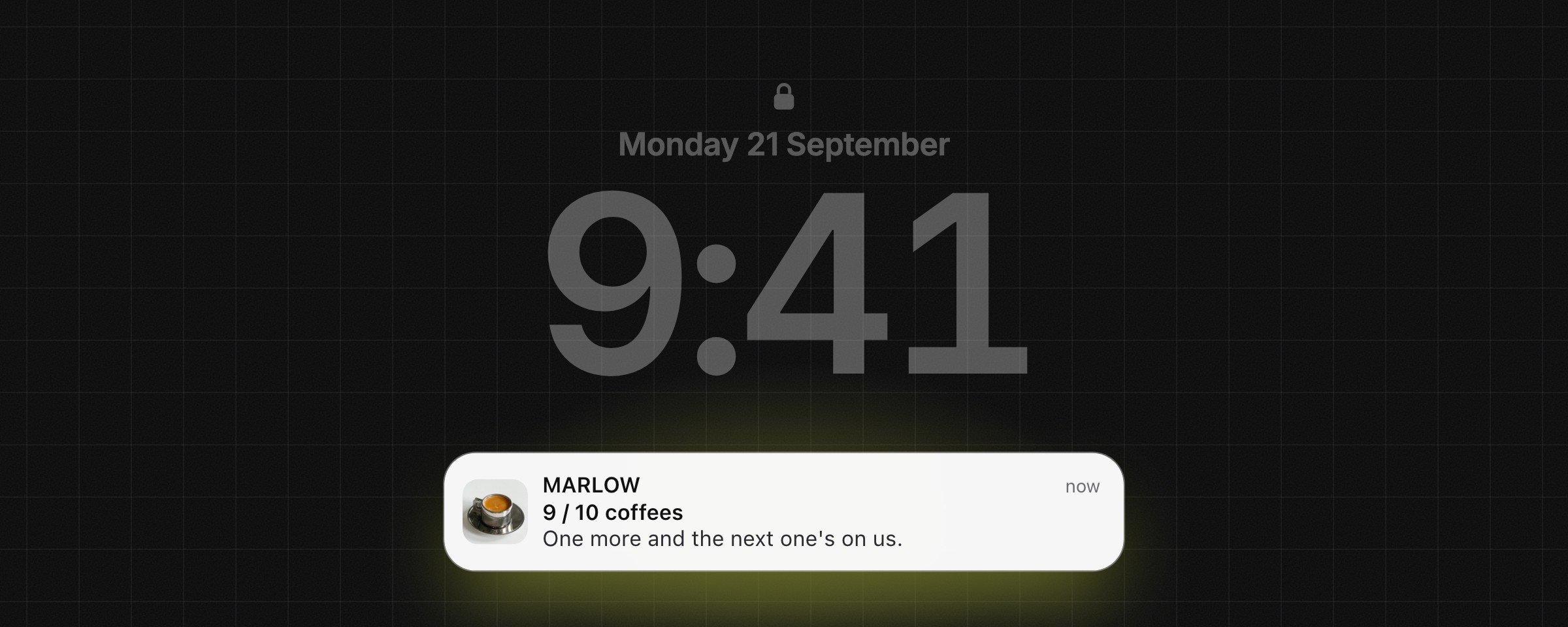
TL;DR: Apple and Google Wallet passes put your loyalty card, coupon or membership on the lock screen: the screen every customer checks dozens of times a day, and the one no brand can buy its way onto. No app to download. One link, one tap, and the pass sits in the Wallet already on their phone. It updates itself, it can put a line on the lock screen for free, and it can surface when they walk past your shop. It is the stamp card, finally in a pocket that does not lose things.
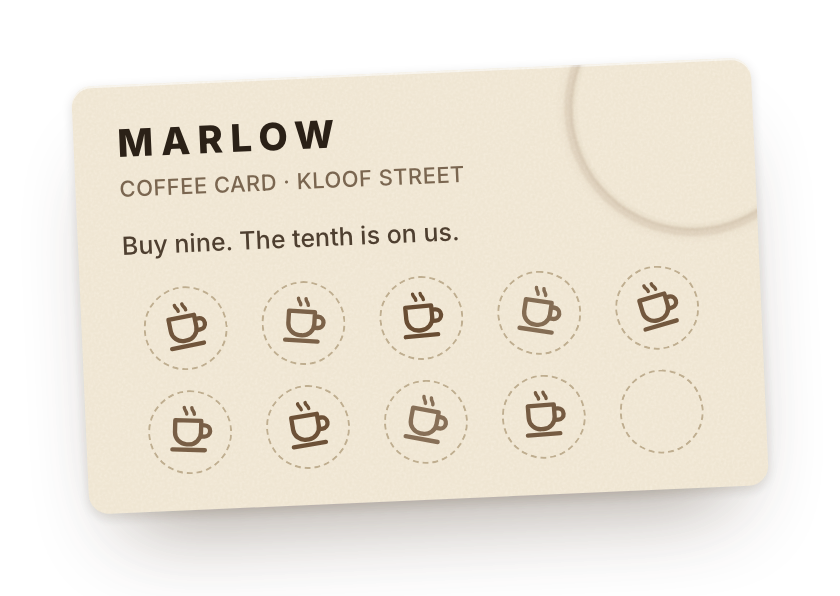
Somewhere in my life there is a coffee stamp card with nine stamps on it. One more and the coffee is free.
I have not seen it in three weeks. I have paid full price five times since.
Meanwhile, I have picked up my phone dozens of times today. To check the time. To see who messaged. And every single time, before any app opened, I looked at the same screen.
That is where my free coffee should live. For a few brands I follow, it already does.
1. The screen nobody is fighting for
Every brand is fighting for a spot inside the apps. The inbox, where the promotions tab quietly eats the campaign. The feed, where an algorithm decides who sees the post. The ads, where the price only goes one way.
Almost nobody has noticed the screen that comes before all of that.
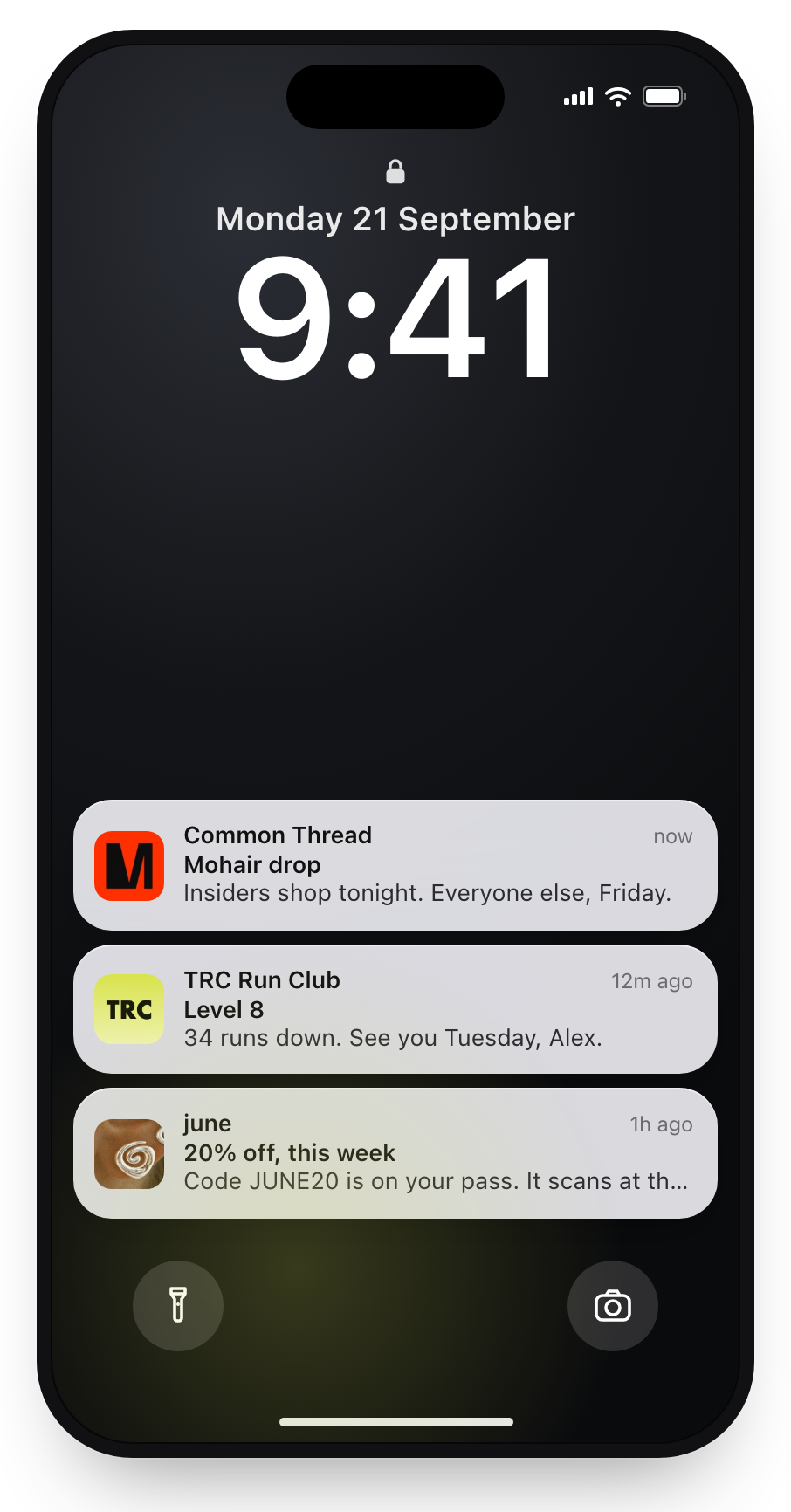
The lock screen has no feed. Nobody scrolls it. There is no algorithm and no ad slot, because nobody sells one. It shows the time, and then only the things you have personally allowed onto it.
It is the most looked-at screen in the world, with the least on it.
And there is a door onto it that most businesses walk straight past. It sits inside an app most people only open at the airport.
2. The stamp card, grown up
Think about why the stamp card works. It asks for nothing and promises one thing. Every stamp is a small vote for coming back, and by stamp six, the coffee place across the road feels like a tiny betrayal.
Its only flaw is that it is made of paper. It gets lost, laundered and left in jackets, and the business has no idea you are on nine.
The usual fix is the sign at the till: download our app for rewards. You know the small sigh that sign gets. Another account, another password, another icon on the third screen next to the parking app from a city you no longer live in. An app nobody opens is just a stamp card lost inside the phone instead of the jacket.
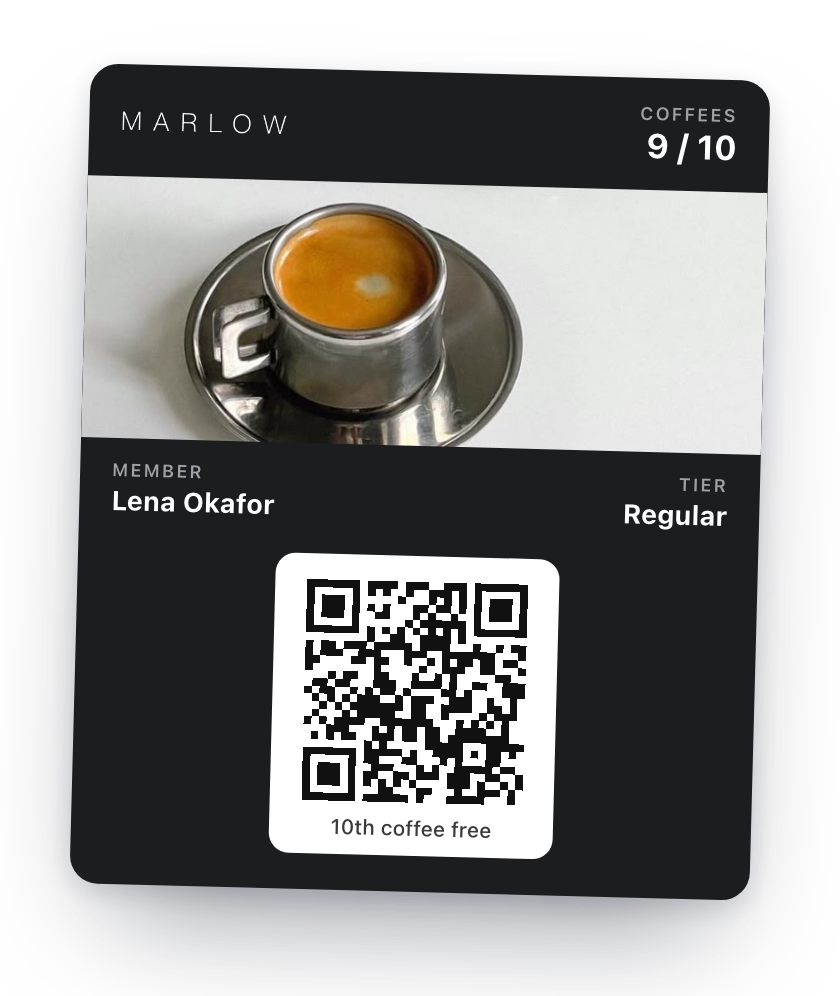
A Wallet pass skips all of that. Apple Wallet comes with every iPhone, Google Wallet with Android, and any business can put a card in there: loyalty, a coupon, a membership, a ticket. The customer taps one link, in a WhatsApp message, an order confirmation or a QR code at the till, and it slides into a Wallet they already have. No download. No password. About as long as it takes to get a stamp.
3. Three things paper never could
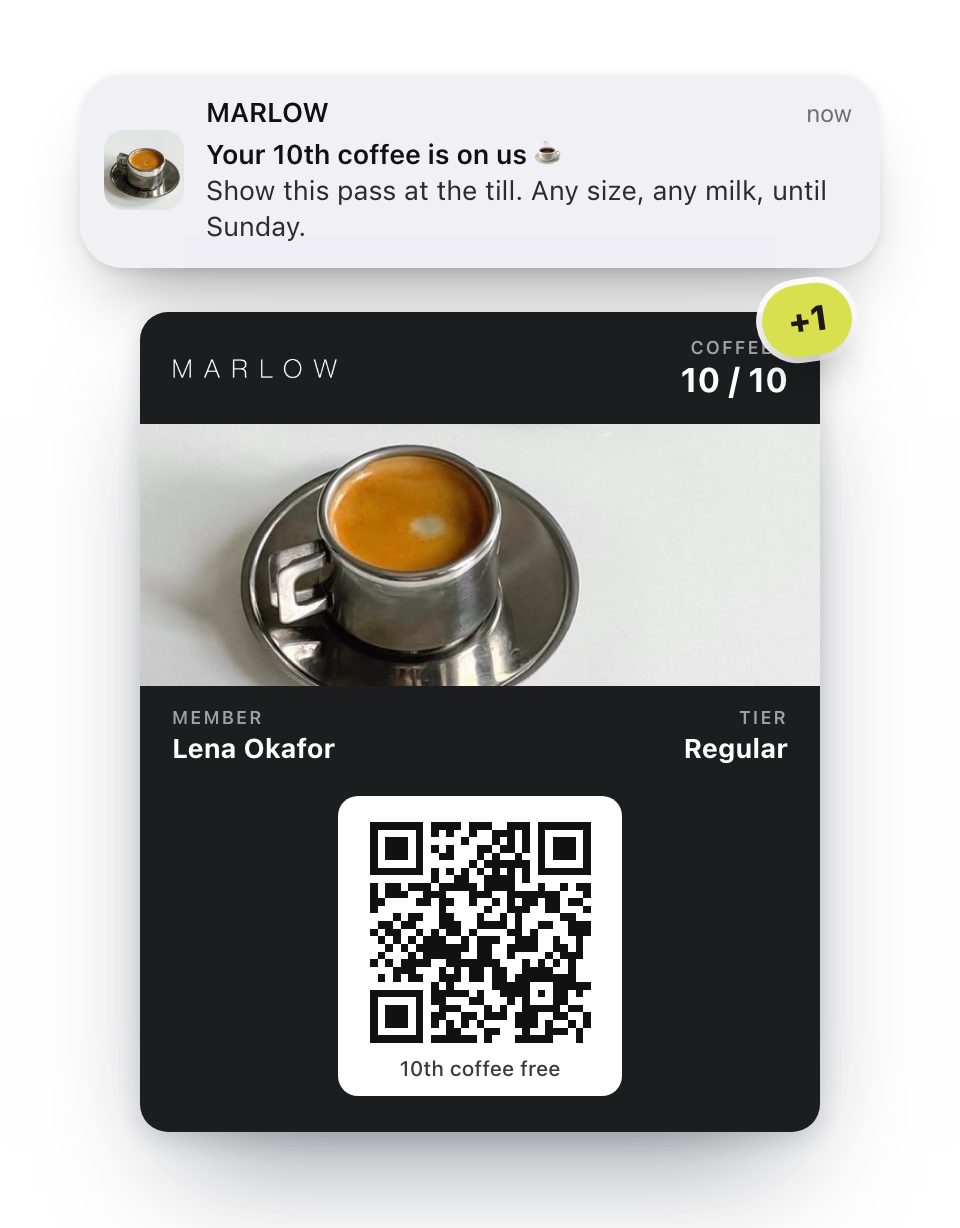
It updates itself. The till adds a stamp, and the card in the pocket, the one they added months ago and forgot about, goes from nine to ten in seconds. Nobody opens anything.
It can speak. Any change can put a line on the lock screen: your tenth coffee is on us, you just went Gold, early access starts tonight. It uses the phone's own notifications, so there is no fee per message and no cap.
It knows where it is. A pass can hold up to ten locations. Walk near the shop and it surfaces on the lock screen by itself. Not because anyone sent a campaign. Because the customer is close.
It is still a stamp card. Just one the business can finally see, keep current, and speak through at exactly the right moment.
4. Three brands already doing it
None of this is theory. Three brands I follow have worked it out, and none of them made it complicated.
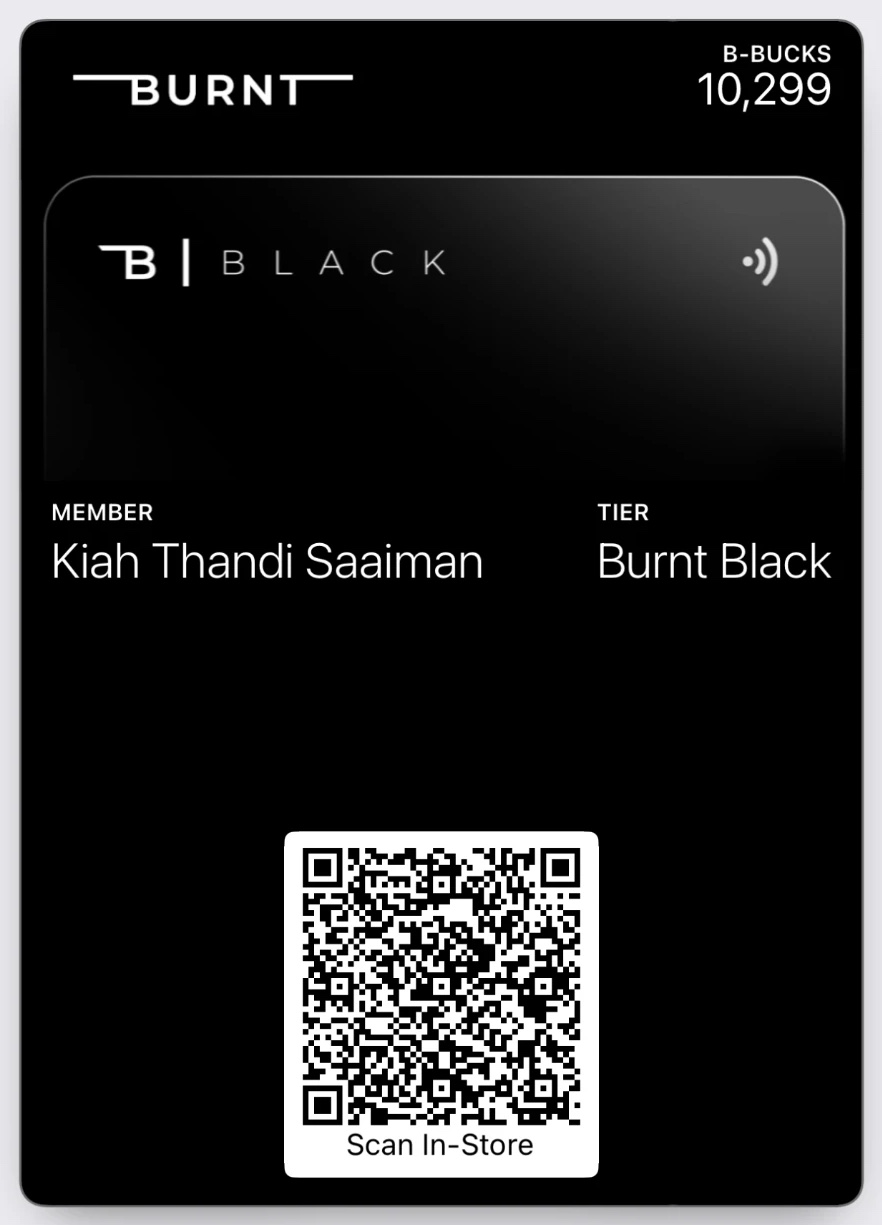
Burnt Studios, the Stellenbosch activewear brand, runs its whole loyalty programme on a pass. Join Burnt Black, add it to your Wallet, and every rand you spend earns B-Bucks that live on the card. My favourite detail is in their T&Cs: a whole section on discounts sent by wallet pass push notification. They treat the lock screen as a channel, with its own rules.
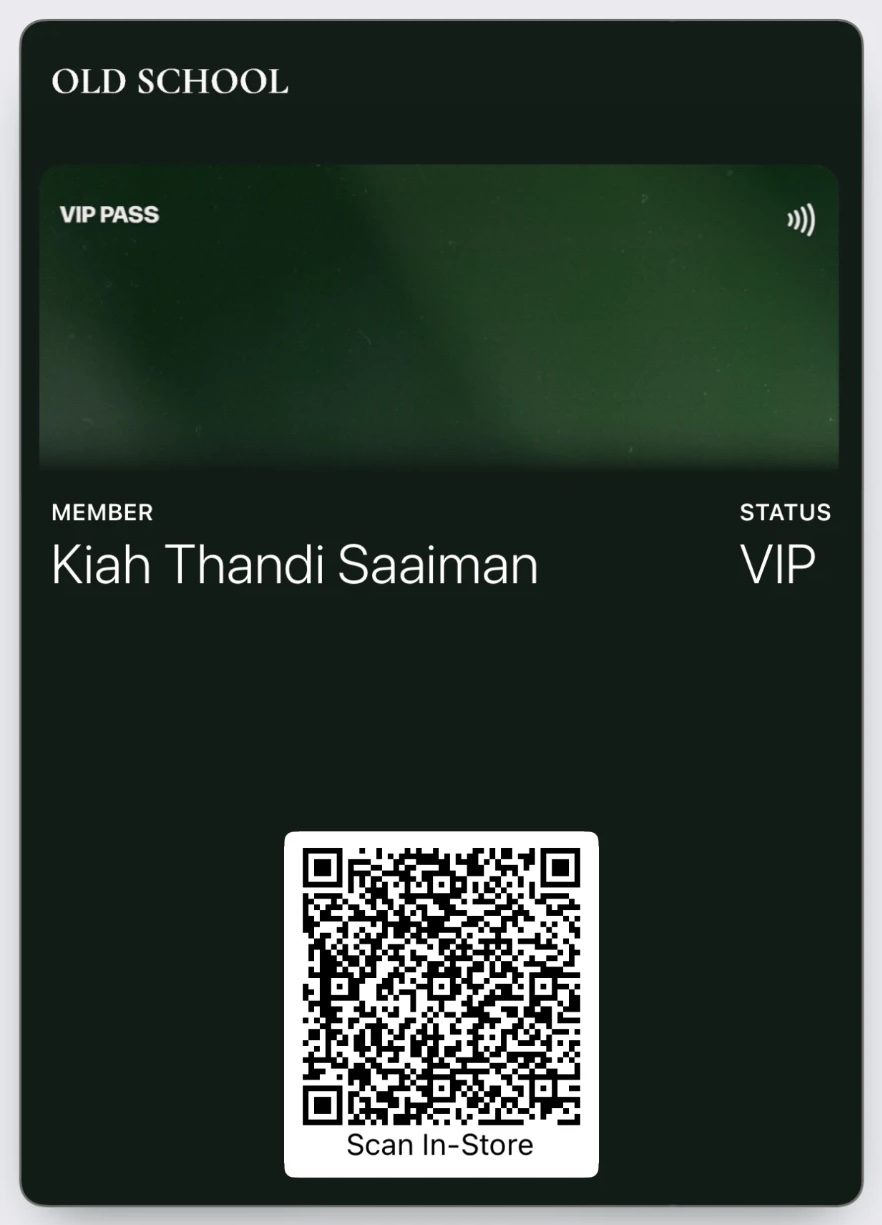
Old School, the brothers behind those vintage Springbok jerseys, sell in drops. Their VIP pass sits in my Wallet with my name on it, and it is the thing that tells me a jersey is landing before the feed does.
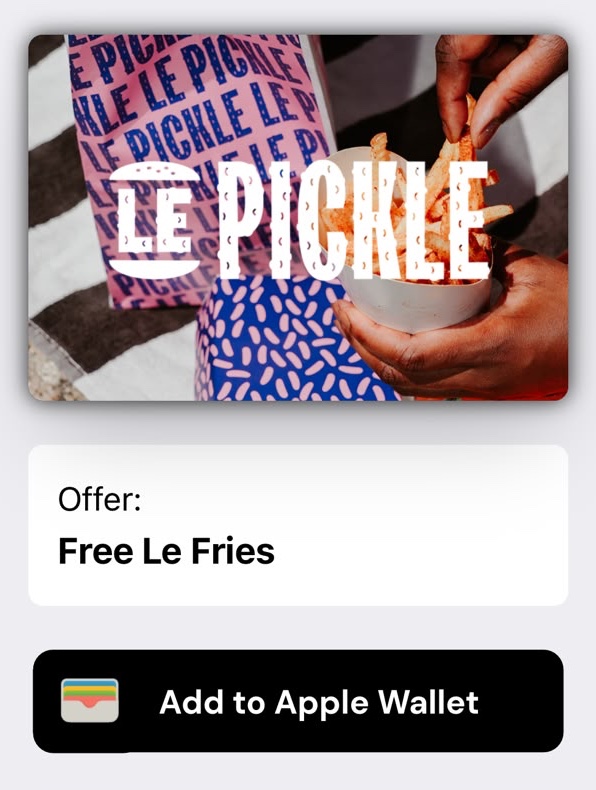
Le Pickle, the smash burger spot in De Waterkant, kept it as simple as paper ever was. Five visits and the Smash is free. The pass arrived on WhatsApp as a link with one button, Add to Apple Wallet, and free Le Fries already on it.
Activewear, jerseys, burgers. The same quiet idea: be easy to carry, and only speak when it is worth it.
5. A card cannot talk back. Yet.
There is one thing a pass cannot do on its own, and it is the thing we care about most at Flowapt. It cannot answer a question.
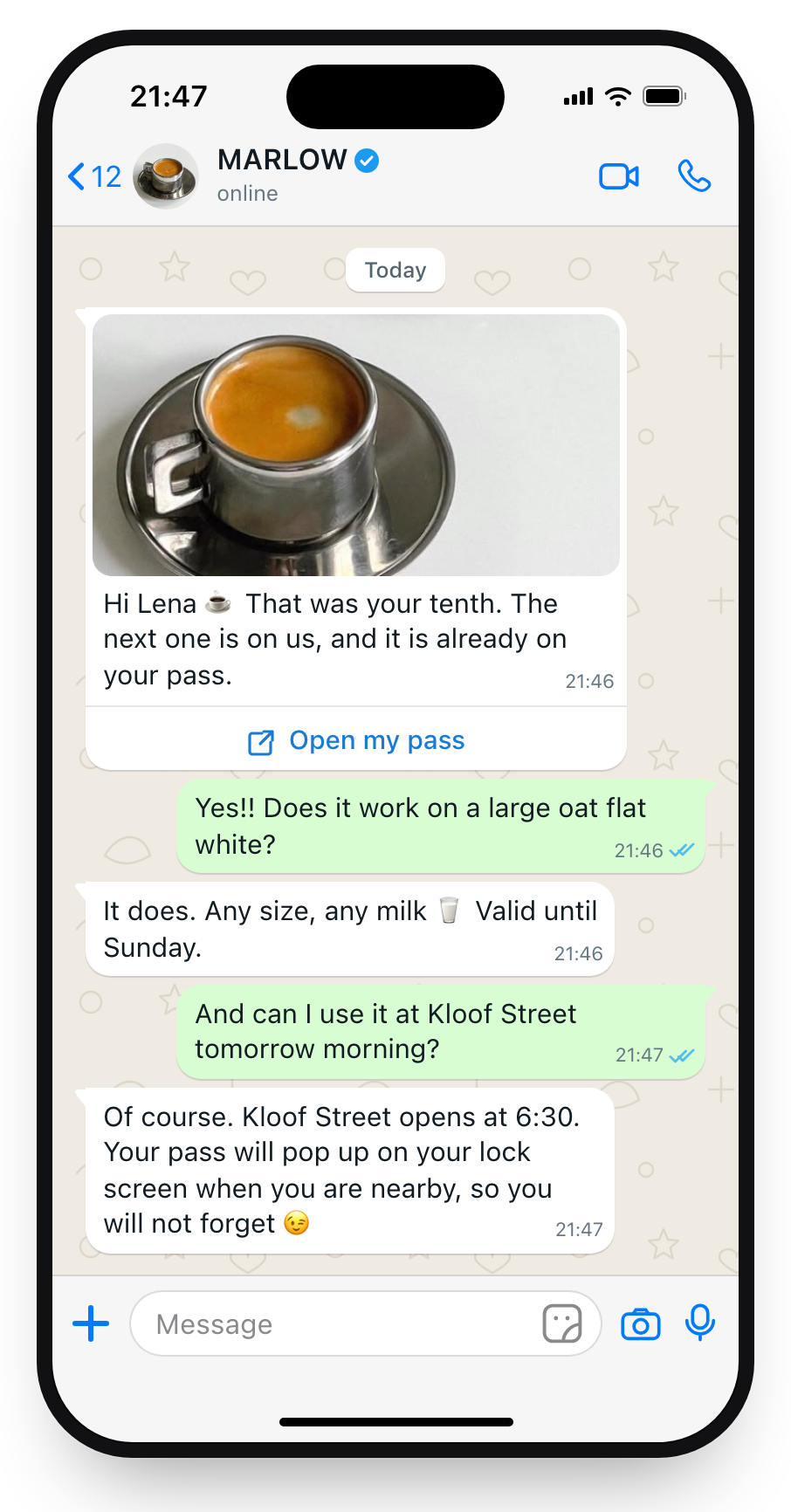
The lock screen says your reward is ready. The customer wants to know if it works on a large, or tonight, or for their sister. A card is a dead end the moment someone talks back.
So we built Passes to live inside the WhatsApp conversation your agent already runs. Customers check points, claim rewards and ask the awkward question at 11pm, and get an answer. The lock screen does the noticing. The conversation does the rest.
It plugs into Shopify and WooCommerce, so the points come from real orders, and there is an API if you would rather issue passes from your own checkout.
6. Back to the coffee
Marketing has spent twenty years renting attention. A spot in the inbox, reach in the feed, eyeballs by the thousand. The lock screen cannot be rented. The only way on is to be invited, which is exactly why the people who carry your card actually read what you send.
The corner coffee shop understood that long before anyone wrote a line of code. Ask for nothing. Promise one thing. Live in the pocket.
The card was never the problem. It just needed a pocket that does not lose things.
I still have not found mine. It will turn up in January, in a coat. But the next one is going in my Wallet.
Key Takeaways
- The lock screen is the screen before the apps. No feed, no algorithm, no ad slot. A Wallet pass is the one way onto it without building an app.
- Nobody wants your app. They will take your card. A pass adds with one tap, into a Wallet that is already on the phone.
- A pass is alive. Points change at the till, the card in the pocket changes with them, and it can say so on the lock screen, for free.
- You cannot rent the lock screen, only be invited onto it. The people who carry your card are regulars, so only speak when it is worth the glance.
Frequently Asked Questions
- What is a Wallet pass?
- A card that lives in Apple Wallet or Google Wallet, the apps that already hold boarding passes and tickets. Any business can issue one: a loyalty card, a coupon, a membership, an event ticket. It adds with one tap, updates itself, and can put a message on the lock screen.
- Do my customers need to download an app?
- No. Apple Wallet comes with every iPhone and Google Wallet is on Android. One link, sent over WhatsApp, in an order confirmation or as a QR code at the till, and the pass is in their Wallet. No account, no password.
- Are the push notifications really free?
- Yes. A pass uses the phone's own notification channel, so there is no per-message fee and no limit. A pass can also carry up to ten locations and surface on the lock screen when the customer is nearby.
- How does this fit with WhatsApp and FlowIQ?
- Passes is built into FlowIQ. The pass travels inside the WhatsApp conversation your AI agent already runs, so customers check points, claim rewards and ask questions in the chat. Points sync from Shopify, WooCommerce or your POS, and there is an API for issuing passes from your own systems.
Ready to be carried around?
We will design your first pass with you, wire it into your loyalty data, and have it in your customers' Wallets the same week. Your brand, on the lock screen, by invitation.
Get a free demo- No app for your customers to install
- Free push, straight to the lock screen
- In Apple and Google Wallet the same week